
GTA 6 best settings for PS5, PS5 Pro and Xbox
By Inside GTAPublished 2 min read
Short answer
The best GTA 6 settings start outside the game: Rockstar targets 30 frames per second on every console and has announced no performance mode, so there is no frame rate toggle to pick. On PS5, set HDR in Settings, Screen and Video. PS5 Pro adds PSSR and ray-traced shadows automatically. Haptics are adjustable in accessibility settings.
Launch week brings a flood of "best settings" lists for GTA 6. Most of them name menus nobody has confirmed. This page does the opposite: it lists only the settings Rockstar, PlayStation or Xbox have described, and it says plainly where an option has not been confirmed. Check your own in-game menus too, because Rockstar has not published the full options list.
Which graphics modes does GTA 6 have?
Rockstar has announced one target, not a menu of modes. Its 10 November 2026 Newswire post says the game is "targeting 30 frames per second" on PS5 and Xbox Series X|S. No 60fps or performance mode has been announced on any console, PS5 Pro included. In August 2026 Push Square reported that Rockstar was undecided on a performance mode; that is an outlet's report, not an announcement.
So the choice that matters most is the hardware, not a toggle:
| Console | What Rockstar says it gets |
|---|---|
| PS5 | 30fps target, haptics across the game, Tempest 3D Audio, improved load times |
| PS5 Pro | The same, plus PSSR for clarity and ray-traced shadows |
| Xbox Series X|S | 30fps target; the Xbox Store lists it as Optimized for Xbox Series X|S |
| Xbox One (cloud) | Streams through Xbox Cloud Gaming at Xbox Series S settings |
The full frame rate picture is in GTA 6 fps and PS5 Pro.
What HDR settings should you check?
On PS5, the console's own HDR setting comes first. PlayStation's support page gives two steps:
- Turn HDR on. Settings, then Screen and Video, then Video Output, then HDR. Choose On When Supported to keep non-HDR games in SDR, or Always On to convert everything to HDR.
- Calibrate it. In the same Video Output menu, select Adjust HDR and follow the on-screen screens.
We could not read Xbox's HDR support pages when we tried on 18 November 2026, so we do not list Xbox menu names here.
Rockstar has not described an in-game HDR slider for GTA 6 on any page we read. If the game has one, use it after the console calibration, not instead of it.
Does GTA 6 have first person?
Rockstar has not said on its GTA VI pages or Newswire posts, and we found no Rockstar statement either way. We will add the answer once Rockstar or a named review confirms it.
Which controller settings matter?
On PS5, haptics. Rockstar says the DualSense haptic feedback is used across the game and is "adjustable via accessibility settings". PlayStation's game page also lists adaptive triggers and the controller speaker. If the rumble or trigger resistance bothers you, the accessibility settings are where Rockstar points.
Rockstar has not published button layouts, aim assist options or sensitivity settings for GTA 6. Lists of "best controller settings" with exact numbers did not come from Rockstar.
Which settings change on PS5 Pro?
None that you have to set, by Rockstar's description. PSSR and ray-traced shadows are features of the PS5 Pro version, and Rockstar says the shadows are "only available on PlayStation 5 Pro". The PlayStation Store lists the game as PS5 Pro Enhanced. The frame rate target stays at 30.
Deciding between consoles is covered in GTA 6 on PS5 or Xbox. If the game will not start at all, see the GTA 6 crashing and download fixes.
Questions people ask
Does GTA 6 have a performance mode?
None has been announced. Rockstar gives a 30 frames per second target on PS5, PS5 Pro and Xbox Series X|S.
How do I set up HDR for GTA 6 on PS5?
PlayStation's support page says to go to Settings, then Screen and Video, then Video Output, then HDR, and to use Adjust HDR in the same menu to calibrate.
Does GTA 6 have first person?
Rockstar has not said, on the pages we read. We will add it once Rockstar or a named review confirms it.
Can you turn off the controller vibration in GTA 6?
On PS5, Rockstar says the haptic feedback is adjustable in the accessibility settings.
Sources
- 1Rockstar Newswire: pre-load Grand Theft Auto VI now (10 Nov 2026, frame rate, PS5 Pro, haptics)
- 2PlayStation: how to enable HDR on a PS5 console (read 18 Nov 2026)
- 3PlayStation: GTA VI game page (PS5 features)
- 4Xbox Store: Grand Theft Auto VI
- 5Push Square: GTA 6 targeting 30fps on PS5, undecided on performance mode (Aug 2026, reported)
Facts were read on these pages and checked on November 18, 2026. How we source facts
Related answers
ConfirmedAnswer
GTA 6 on PS5 or Xbox: which version to buy
On the figures Rockstar has given, GTA 6 is the same game on PS5 and Xbox Series X|S: the same 30 frames per second target, the same content and the same US price.
Source Rockstar Newswire: pre-load Grand Theft Auto VI now (10 Nov 2026) and 3 more
ConfirmedAnswer
Does GTA 6 run at 60fps? The 30fps target and what PS5 Pro adds
Rockstar says GTA 6 targets 30 frames per second on both PS5 and Xbox Series X|S.
Source Rockstar Newswire: pre-load Grand Theft Auto VI now (10 Nov 2026) and 3 more
ReportedAnswer
GTA 6 graphics: resolution, ray tracing and how it looks on each console
GTA 6 graphics start from a 1440p base resolution upscaled to 4K on PS5, PS5 Pro and Xbox Series X, and from 720p upscaled to 1080p on Series S, according to a Rockstar...
Source Rockstar Newswire: pre-load Grand Theft Auto VI now (10 Nov 2026, read 22 Nov 2026) and 9 more
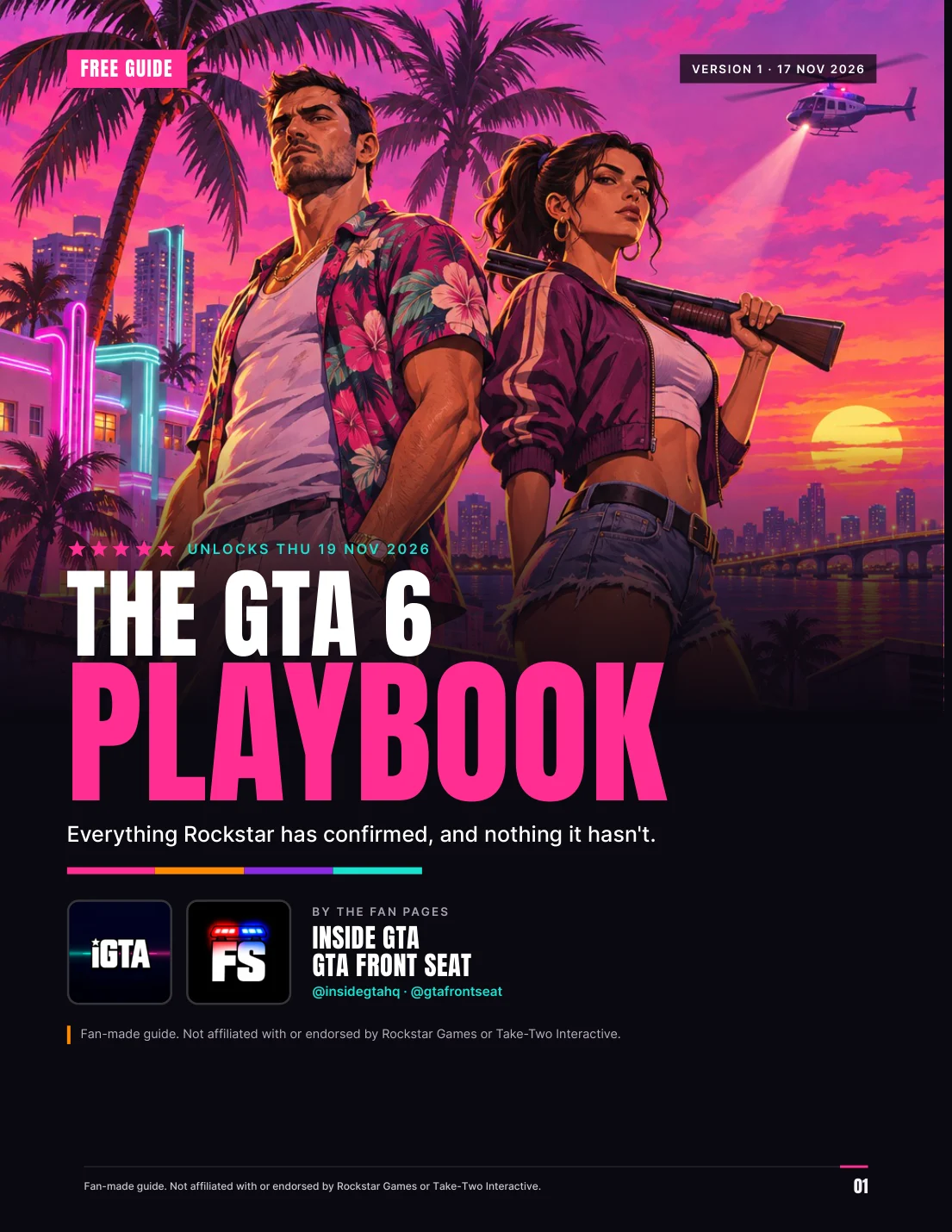
The GTA 6 Playbook, free
Every confirmed fact on this site in one 26-page PDF: unlock times, getting your console ready, Standard against Ultimate, Leonida, who's who, the music, and sixteen launch-week claims marked true or false. No email needed.