GTA 6 download size and the console settings that get it ready
By Inside GTAPublished 3 min read
Short answer
GTA 6 needs up to 212 GB of free space, depending on your console, according to Rockstar. To let it download without you watching, turn on automatic downloads and leave a PS5 on or in Rest Mode, or turn on automatic updates and leave an Xbox Series X|S on or in Sleep. Boxed copies need the code redeemed first.
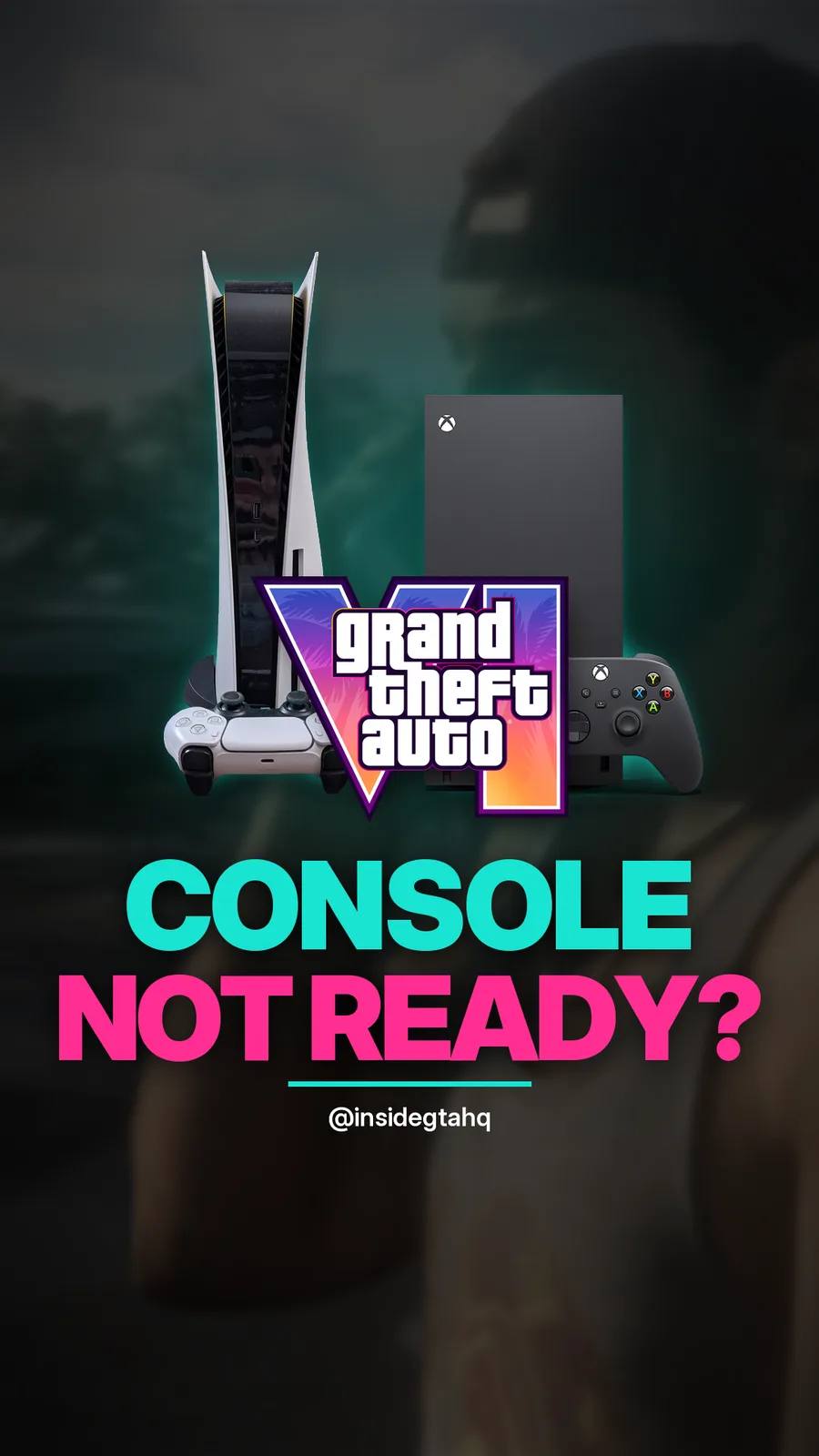
GTA 6 is a big download, and the box version has no disc, so every copy comes over the internet. Below: how much space it takes, and the settings that let your console fetch it on its own. The PS5 steps are taken from PlayStation's GTA VI support page, which we read again on 18 November 2026. The Xbox steps are from Rockstar's own pre-load FAQ.
How much space does GTA 6 need?
Up to 212 GB, depending on your device. Rockstar gave that figure in its 3 November 2026 Newswire post and repeats it in its pre-load FAQ.
Treat 212 GB as the number to clear. MP1st, Keengamer and ComicBook reported that update 1.002.000, about 1 GB, reached pre-loaded copies on 13 November 2026. We found no Rockstar patch notes for it.
On PS5, PlayStation's support page says to check free space under Settings, then Storage, and to delete data or move it to another storage device if you need more room.
When could you start downloading?
Before launch day. Rockstar's 3 November 2026 post set the pre-load for Tuesday 10 November 2026:
- PS5: from midnight local time.
- Xbox Series X|S: globally from 12 a.m. GMT.
Rockstar had first announced the pre-load for 12 November, then moved it up to 10 November. Its 10 November post confirmed the pre-load was live for everyone who pre-ordered digitally. The game itself unlocked later, at midnight local time on Thursday 19 November 2026. See what time GTA 6 unlocked for how that worked by time zone.
Which PS5 settings let it download on its own?
PlayStation's GTA VI support page lists these steps:
- Automatic installs in Rest Mode. Settings, then Saved Data and Game/App Settings, then Automatic Updates. Turn on Auto-Install in Rest Mode.
- Internet in Rest Mode. Settings, then System, then Power Saving, then Features Available in Rest Mode. Turn on Stay Connected to the Internet.
- System software updates. Settings, then System, then System Software, then System Software Update and Settings. Turn on Download Update Files Automatically and Install Update Files Automatically.
- Rest Mode, not off. Open the control center and select Power, then Enter Rest Mode.
If you share a PS5, the same page says to enable Console Sharing and Offline Play under Settings, then Users and Accounts, then Other.
Which Xbox settings let it download on its own?
Rockstar's pre-load FAQ gives two conditions for Xbox Series X|S:
- Automatic updates on.
- The console on or in Sleep.
Rockstar does not list fully off as an option. We tried to read Xbox's own support pages on power modes on 18 November 2026, but they did not load for us, so we only list what Rockstar states. Check Xbox's power options on your console for the exact menu names.
How do you redeem the code from a boxed copy?
The boxed Standard Edition holds a download code, not a disc. Rockstar's 10 November 2026 post says to activate the code to pre-load the game when the box arrives.
On PS5, PlayStation's support page says to redeem it from the Redeem Code option in the menu under your avatar. You can check that the order went through under Order History in the same menu. If the code is missing or unreadable, PlayStation says to contact the retailer. More detail is in our page on the code in the GTA 6 box.
A quick checklist
| Check | PS5 | Xbox Series X|S |
|---|---|---|
| Free space | Up to 212 GB | Up to 212 GB |
| Background download | Auto-Install in Rest Mode, stay connected in Rest Mode | Automatic updates on |
| Power state | On or Rest Mode | On or Sleep |
| Boxed copy | Redeem the code first | Redeem the code first |
| System software | Automatic download and install on | Not listed by Rockstar |
Still on an older console?
GTA 6 does not run on PS4, and there is no PC version announced. Xbox One owners can stream it through Xbox Cloud Gaming instead of downloading it. See how GTA 6 works on Xbox One.
Questions people ask
How big is the GTA 6 download?
Up to 212 GB, depending on your device. That is Rockstar's figure from its 3 November 2026 pre-load post.
Will GTA 6 download while my PS5 is in Rest Mode?
Yes, if automatic downloads are on. PlayStation's support page says to turn on Auto-Install in Rest Mode and to keep the console connected to the internet in Rest Mode.
Will GTA 6 download if my Xbox is fully off?
Rockstar's pre-load FAQ says the Xbox needs automatic updates on and the console on or in Sleep. Plan on Sleep rather than fully off.
Does the boxed copy install from the box?
No. There is no disc. The box holds a download code, and the game downloads after you redeem it.
Sources
- 1Rockstar Newswire: pre-load begins on November 10 (3 Nov 2026)
- 2Rockstar Newswire: pre-load Grand Theft Auto VI now (10 Nov 2026)
- 3Rockstar Support: GTA VI pre-load FAQ (checked 17 Nov 2026)
- 4PlayStation: GTA VI support page (read 18 Nov 2026)
- 5Keengamer: update 1.002 rolls out ahead of launch (13 Nov 2026, reported)
Facts were read on these pages and checked on November 18, 2026. How we source facts
Related answers
ConfirmedAnswer
What time does GTA 6 unlock? Midnight local time on 19 November 2026
GTA 6 unlocked at midnight local time on Thursday 19 November 2026, on PS5 and Xbox Series X|S, in every region.
Source Rockstar Support: GTA VI release times (updated 3 Nov 2026) and 8 more
ConfirmedGuide
GTA 6: everything Rockstar confirmed before launch
GTA 6 unlocked at midnight local time on Thursday 19 November 2026, on PS5 and Xbox Series X|S only.
Source Rockstar Games: Grand Theft Auto VI and 11 more
ConfirmedAnswer
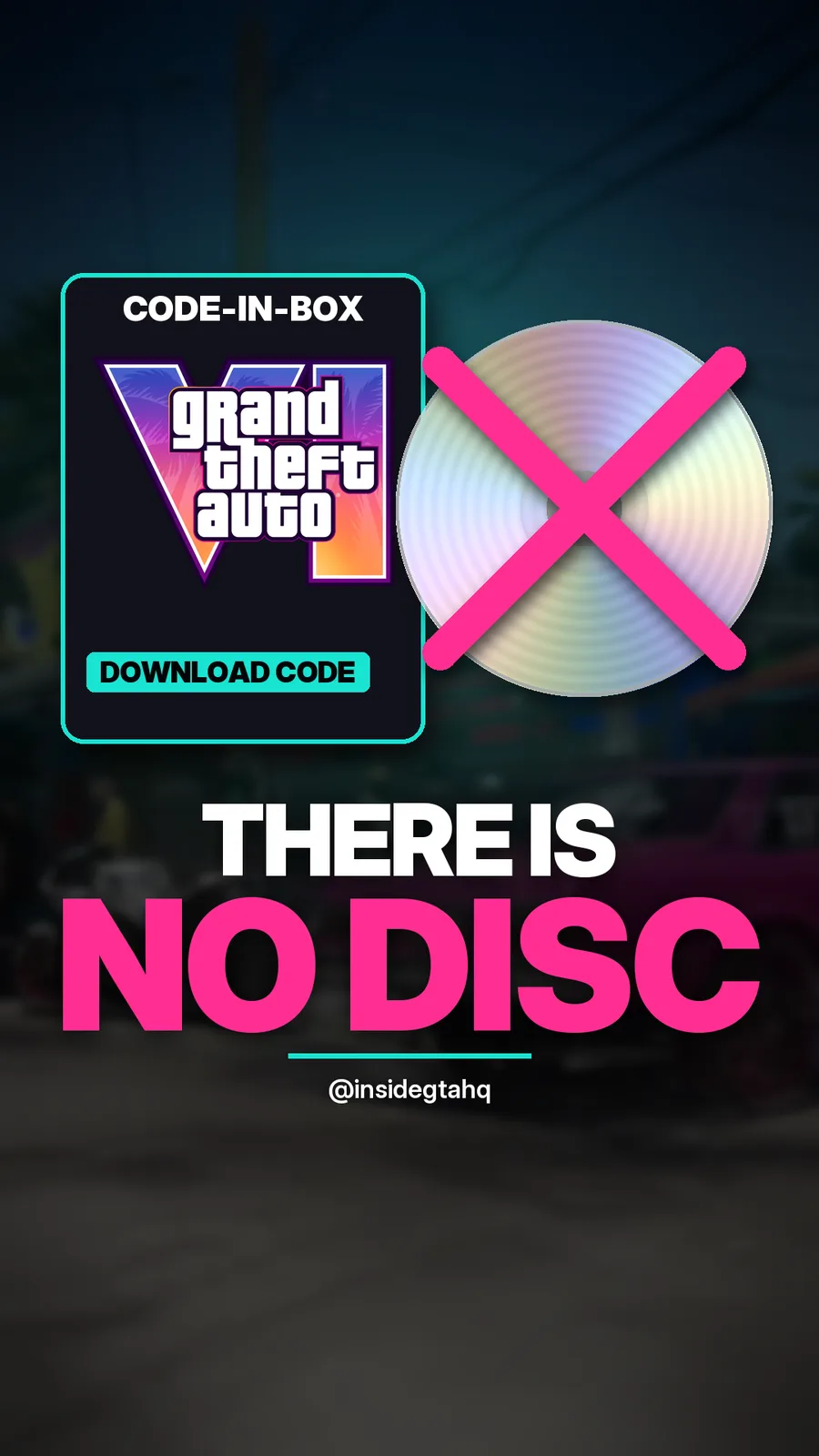
Is there a disc in the GTA 6 box? No, it is a download code
No. The physical GTA 6 is what Rockstar calls code-in-box: a box with a download code inside and no disc.
Source Rockstar Newswire: pre-order GTA VI on June 25 (24 Jun 2026) and 7 more
The GTA 6 Playbook, free
Every confirmed fact on this site in one 26-page PDF: unlock times, getting your console ready, Standard against Ultimate, Leonida, who's who, the music, and sixteen launch-week claims marked true or false. No email needed.