
GTA 6 screenshots: Rockstar's official images and how to take your own
By Inside GTAPublished 4 min read
Short answer
Rockstar's official GTA 6 screenshots are on the Media page of its GTA VI site, which listed 138 screenshots with zip downloads when we checked on 22 November 2026. To take your own, GTA 6 has a photo mode called Photo Studio, reported by Insider Gaming and TechRadar. Then capture with the Create button on PS5 or the Share button on Xbox.
GTA 6 screenshots come from two places: Rockstar's own media pages, and your console. This page covers both. The Rockstar figures below are from its GTA VI site as we read it on 22 November 2026. The photo mode details come from named outlets that played the game, marked as reported, and the capture steps come from PlayStation's and Xbox's own support pages.
Where are Rockstar's official GTA 6 screenshots?
On the Media page of Rockstar's GTA VI site, rockstargames.com/VI/media. When we read it on 22 November 2026, it had tabs for videos, screenshots and artwork, with these counts:
| Section | Items | Download |
|---|---|---|
| Screenshots | 138 | Zip download |
| Ultimate Edition benefits | 51 | Zip download |
| Vintage Vice City Pack | 12 | Zip download |
| Artwork and wallpapers | 28 | Zip download |
| Clips | 9 | Zip download |
| Videos | 5 | Watch on the page |
The Media page also offers the Leonida map and cover art poster in print-ready formats. How the map fits the regions is in our GTA 6 map guide.
Rockstar's most recent batch of GTA 6 images is the launch gallery. Its Newswire post of 5 November 2026 announced a collection of new screenshots of Vice City and beyond at rockstargames.com/VI/launch-gallery. The extras shown in the Ultimate Edition images are covered in GTA 6 editions.
Are the GTA 6 images online real?
Only Rockstar's are official. The images on rockstargames.com/VI and its Newswire are the ones Rockstar published. Anything said to come from before launch that is not on those pages did not come from Rockstar, and we do not use or link leaked images. Since 19 November 2026, players' own captures from the released game are also real, but they are not official Rockstar images.
Does GTA 6 have a photo mode?
Yes. The Sixth Axis reported on 18 November 2026 that the game has a photo mode from day one. Insider Gaming and TechRadar both name it Photo Studio. Rockstar has not described it on the pages we read.
To open it, pause the game and press Square on PS5 or X on Xbox, as reported by Insider Gaming and TechRadar. Insider Gaming says you can also scroll down the pause menu to Photo Studio.
What the outlets say it can do:
- Lighting. TechRadar reported that you can add light layers and move each one, with control over size, intensity and beam angle. Insider Gaming said you can change the hue too.
- Filters and effects. TechRadar counted 17 filters plus a vignette setting.
- Camera tools. TechRadar mentions aspect ratio, depth of field, exposure and grain. Insider Gaming says you can also pose the player character.
- Cutscenes. Insider Gaming said Photo Studio works during cutscenes, with fewer effects available.
What it cannot do: Insider Gaming said you cannot change the time of day or the weather.
Can you take photos with the in-game phone?
Yes. GameRant reported a Camera app with rear and front cameras for photos and selfies, and a Gallery app to view them. Insider Gaming said Snapmatic lets you browse and like other posts, and mark where a photo was taken on your map, but that you cannot post to Snapmatic yourself. Every app is listed in our GTA 6 phone guide.
How do you take a GTA 6 screenshot on PS5?
PlayStation's support page gives the steps:
- Press the Create button on your DualSense controller.
- Select Take Screenshot.
To skip the menu, go to Settings, then Captures and Broadcasts, then Captures, then Shortcuts for Create Button, and choose Easy Screenshots. The same Captures menu has a Screenshot Format setting for the file type and HDR. Your recent screenshots and clips show in the Create menu, up to 15 of them.
To get them onto your phone, PlayStation says to turn on Auto-Upload in the same Captures menu, or tap Enable under Library, then Captures in the PlayStation App. Captures stay in the app for 14 days, and only screenshots taken with the Create button or Create menu upload.
How do you take a GTA 6 screenshot on Xbox?
Xbox Support says:
- Single press of the Share button takes a screenshot in a game.
- Press and hold records a clip of what just happened.
- Double-press shows your recent captures.
From the console you can share captures to your activity feed or messages. If you are signed in to the Xbox mobile app, choose the Mobile option to send a capture to your phone, then share it from there.
Can you post GTA 6 screenshots online?
For non-commercial fan use, Rockstar's general policy does not object, as long as you do not spoil the plot. That policy, last updated on 10 January 2025, also says leaked material and endings are taken down. The full summary is in can you post GTA 6 clips?
What is not confirmed?
- Whether Photo Studio saves its own copy of a picture or relies on the console capture. None of the outlets we read covers saving.
- Whether any GTA 6 scenes block console capture. PlayStation's page says some scenes are blocked from video clips in general, but names no game.
Questions people ask
Does GTA 6 have a photo mode?
Yes. The Sixth Axis reported a photo mode at launch, and Insider Gaming and TechRadar say it is called Photo Studio and opens from the pause menu.
How do you open Photo Studio in GTA 6?
Pause the game, then press Square on PS5 or X on Xbox, as reported by Insider Gaming and TechRadar. Insider Gaming says you can also scroll down the pause menu to it.
How do you take a screenshot of GTA 6 on PS5?
PlayStation's support page says to press the Create button and select Take Screenshot. You can set the Create button to Easy Screenshots in the capture settings.
How do you take a screenshot of GTA 6 on Xbox?
Xbox Support says a single press of the Share button takes a screenshot in a game. Double-press it to see your recent captures.
Can I download official GTA 6 wallpapers?
Yes. Rockstar's GTA VI Media page has an Artwork and Wallpapers section with 28 items and a zip download, as we read it on 22 November 2026.
Sources
- 1Rockstar Games: Grand Theft Auto VI media (read 22 Nov 2026)
- 2Rockstar Games: GTA VI launch gallery (read 22 Nov 2026)
- 3Rockstar Newswire: explore the Grand Theft Auto VI launch gallery (5 Nov 2026)
- 4PlayStation: how to capture gameplay and screenshots on PS5 (read 22 Nov 2026)
- 5PlayStation: how to access PS5 game captures on PS App (read 22 Nov 2026)
- 6Xbox Support: what's this Share button on my controller? (read 22 Nov 2026)
- 7Insider Gaming: does GTA 6 have photomode? Photo Studio and Snapmatic explained (18 Nov 2026, reported)
- 8TechRadar: GTA 6 players hail the photo mode (19 Nov 2026, reported)
- 9The Sixth Axis: Grand Theft Auto VI review (18 Nov 2026, reported)
- 10GameRant: how to use the phone in GTA 6 (18 Nov 2026, reported)
- 11Rockstar Support: policy on posting copyrighted Rockstar Games material (updated 10 Jan 2025)
Facts were read on these pages and checked on November 22, 2026. How we source facts
Related answers
ConfirmedGuide
Games like GTA 6 to play next
A. Noire, all on PlayStation and Xbox stores today. Outside Rockstar, Mafia: The Old Country, Mafia: Definitive Edition, Cyberpunk 2077 and Watch Dogs 2 fit best.
Source PlayStation Store: Grand Theft Auto V (read 22 Nov 2026) and 15 more
ReportedAnswer
Who made GTA 6: the Rockstar studios and leads behind it
GTA 6 was made by Rockstar Games, part of Take-Two.
Source Rockstar Games: Grand Theft Auto VI credits (read 22 Nov 2026) and 4 more
ReportedNews
GTA 6 An Extended Look (27 August 2026): everything Rockstar showed
The GTA 6 August 27 presentation is Grand Theft Auto VI: An Extended Look.
Source Rockstar Games on YouTube: Grand Theft Auto VI: An Extended Look (27 Aug 2026, checked 22 Nov 2026) and 7 more
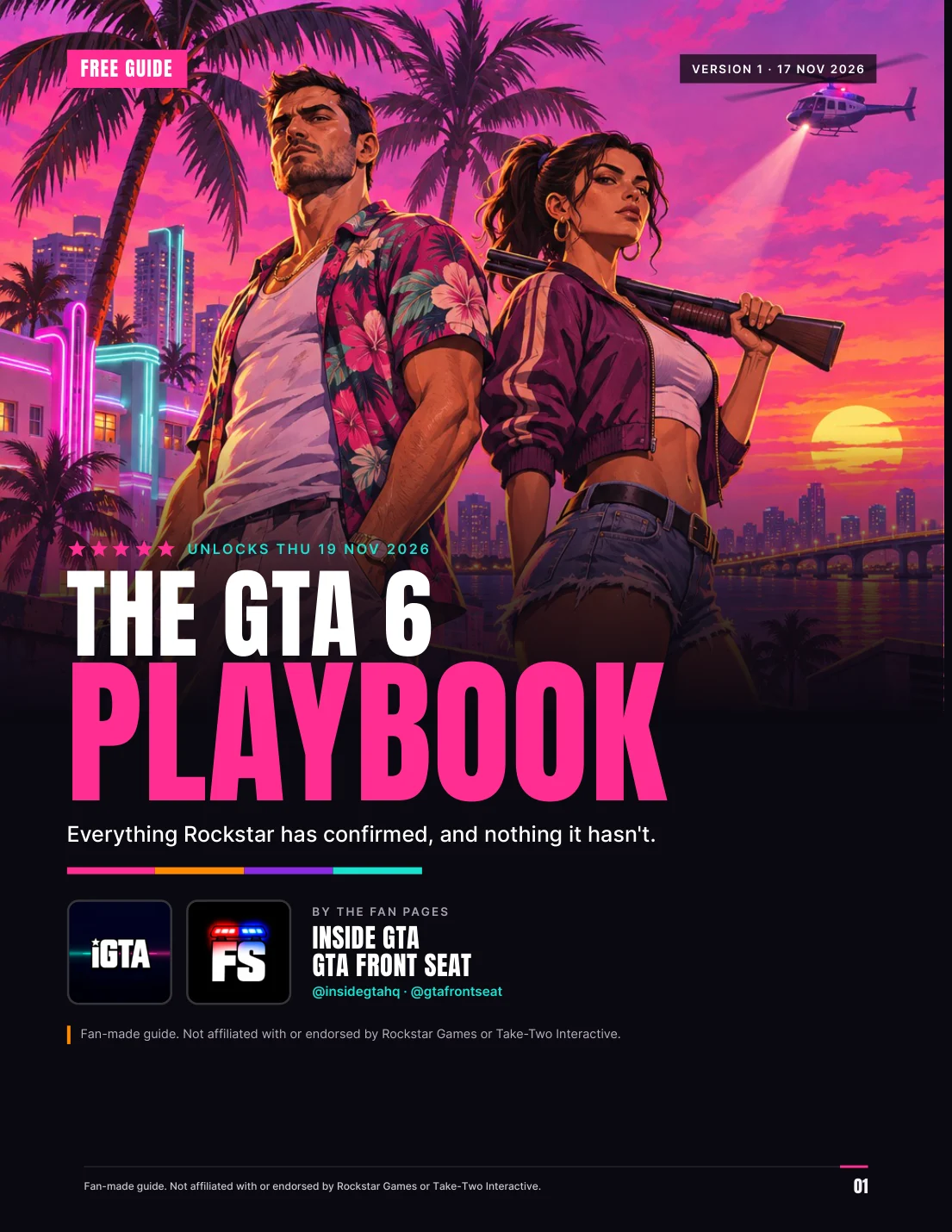
The GTA 6 Playbook, free
Every confirmed fact on this site in one 26-page PDF: unlock times, getting your console ready, Standard against Ultimate, Leonida, who's who, the music, and sixteen launch-week claims marked true or false. No email needed.